Domain Transfer Guide: Move Your Site Without Losing SEO (2026)
Changing your website’s domain name is a bit like performing a heart transplant on your digital business. If done correctly, your brand emerges stronger, fresher, and more relevant. If botched, you risk losing years of accumulated organic traffic, keyword rankings, and brand authority.
In 2026, search engine algorithms are smarter than ever, but they still rely on clear signals to understand that “OldSite.com” is now “NewBrand.io.” This guide will walk you through a bulletproof domain migration SEO strategy to ensure your transition is seamless and your rankings remain intact.
Why Domain Migration is Risky (and Rewarding)
A domain migration involves changing your URL structure, which fundamentally resets how Google crawls and indexes your pages. The primary risks include:
- Ranking Fluctuations: Search engines need time to re-index the new URLs.
- Lost Backlink Equity: If redirects aren’t mapped 1:1, the power of your old backlinks vanishes.
- User Confusion: Visitors landing on 404 pages quickly lose trust in your brand.
However, a successful move can lead to better brand alignment, a more memorable URL, and often, an eventual boost in SEO performance if the new domain carries better keyword relevance.
Check list download form here : SEO Website Migration Checklist
Phase 1: The Pre-Migration Audit
Before you touch a single DNS record, you must document your current standing. You cannot know what you’ve lost if you don’t know what you had.
1. Crawl Your Current Site
Use tools like Screaming Frog or Ahrefs to export a complete list of every live URL on your current domain. This is your master list.
2. Identify High-Performing Pages
Not all pages are created equal. Focus on your “money pages” those with the most backlinks and highest organic traffic. These require extra care during the mapping process.
3. Benchmarking Core Web Vitals
Google’s ranking factors in 2026 heavily weigh user experience. Benchmark your current Largest Contentful Paint (LCP) and Interaction to Next Paint (INP) so you can ensure the new domain’s hosting environment performs just as well, if not better.
Phase 2: Mapping and Technical Setup
This is where most domain migrations fail. You must tell search engines exactly where each piece of content has moved.
The 1:1 Redirect Strategy
Avoid the temptation to redirect all old pages to the new homepage. This is a “soft 404” in the eyes of Google and will result in a total loss of rankings for those internal pages. Instead, map every old URL to its exact equivalent on the new domain.
| Feature | Old Domain (Source) | New Domain (Destination) |
|---|---|---|
| URL Structure | oldsite.com/blog/post-name | newbrand.io/blog/post-name |
| Redirect Type | 301 (Permanent) | Active Status |
| SSL Certificate | Required | Required (HTTP/3 preferred) |
| Sitemap | Old XML Sitemap | New XML Sitemap |
| Search Console | Existing Property | New Property + Change of Address |
Preparing the New Environment
Set up your new domain on a staging server. Ensure that the `noindex` tag is active during development so Google doesn’t accidentally crawl a half-finished version of your site.
Phase 3: The Big Move (Execution)
Once the new site is ready and the redirect map is finalized, it’s time to pull the trigger.
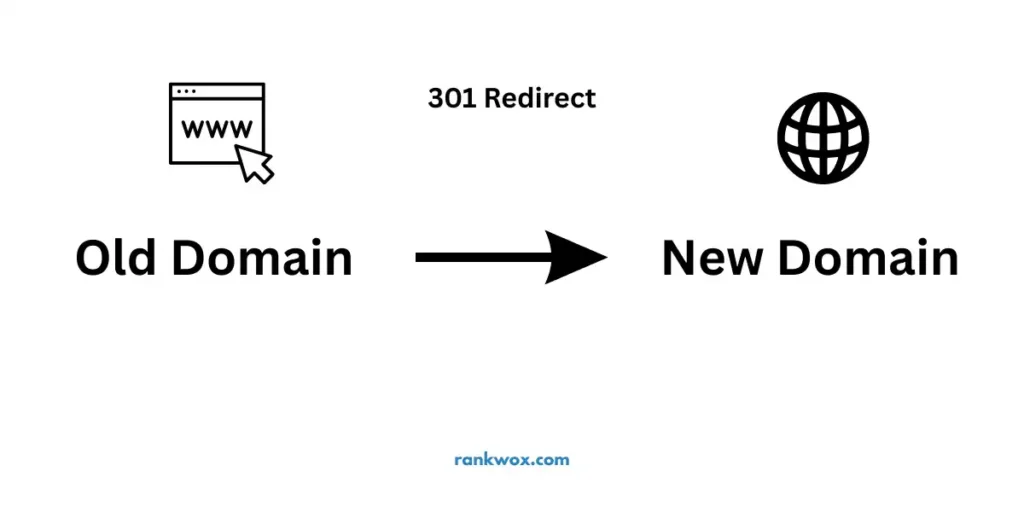
1. Deploy 301 Redirects
Redirects should be handled at the server level (via .htaccess or Nginx config) for maximum speed. Test a handful of URLs to ensure they are pointing to the correct destination with a 301 status code, not a 302 (temporary).
2. Update Google Search Console (GSC)
You must inform Google of the move using the Change of Address Tool inside GSC. This helps speed up the re-indexing process and signals that the change is intentional and permanent.
3. Update Internal Links and Canonical Tags
Ensure that all internal links on the new site point to the new domain, not the old one. Similarly, update your `rel=”canonical”` tags to reference the new URLs. This prevents self-canonicalization issues that confuse search bots.
Phase 4: Post-Migration Monitoring
Your job isn’t over once the site is live. The first 14 to 30 days are critical for domain migration SEO.
Audit for 404 Errors
Monitor your crawl error reports daily. If you see an influx of 404 errors, it means your redirect map had holes. Patch them immediately to prevent ranking drops.
Monitor Indexation Progress
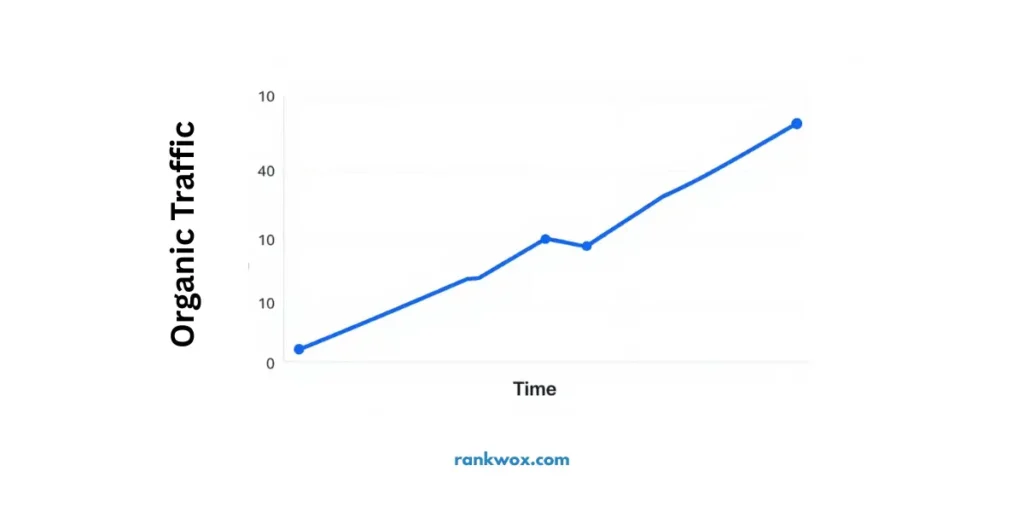
Search for `site:newbrand.io` in Google to see how many pages have been indexed. Compare this to the number of pages on your old domain. Over time, the old domain’s indexed count should drop to zero as the new domain’s count rises.
Update Off-Site Signals
Contact the owners of your top 10-20 most valuable backlinks and ask them to update the link to your new domain. While the 301 redirect passes most of the authority, a direct link is always superior for long-term SEO health.
Common Pitfalls to Avoid
- Changing Site Structure Simultaneously: Don’t change your URL folders (e.g., /category/ to /topic/) at the same time you change domains. This adds too many variables and makes it impossible to diagnose issues.
- Letting the Old Domain Expire: You must keep ownership of the old domain and keep the redirects active for at least one year ideally forever.
- Ignoring Analytics: Ensure your Google Analytics 4 (GA4) property is updated to track the new domain so you don’t lose your data history.
Summary
Domain migration SEO doesn’t have to be a nightmare. By prioritizing a 1:1 redirect map, using the Change of Address tool, and meticulously monitoring crawl errors, you can migrate your brand to a new digital home without sacrificing your hard-earned visibility. In 2026, the key is speed and precision, ensure your new site is fast, mobile-friendly, and clearly linked to its predecessor.
FAQ
1. How long does a domain migration take to stabilize?
Typically, you will see fluctuations for 2 to 6 weeks. Complete re-indexing and ranking recovery can take up to 3 months depending on the size of the site.
2. Will I lose all my rankings during the move?
If done correctly with 301 redirects, you should only see a temporary dip. Most sites recover 90-100% of their traffic within a month.
3. Do I need to keep my old hosting plan?
Not necessarily, but you must keep the old domain registered and have a service (like a lightweight redirect worker) active to manage the 301 redirects.
4. Should I use a 301 or 302 redirect?
Always use a 301 (Permanent) redirect for domain migrations. A 302 (Temporary) redirect does not pass SEO authority (Link Equity) effectively.
5. Can I change my site’s design during a domain migration?
It is possible, but not recommended. It’s safer to move the site first, let the rankings stabilize, and then roll out a new design to isolate any potential SEO issues.
6. What happens to my old backlinks?
They will still provide value through the 301 redirect. However, updating your most powerful backlinks to point directly to the new domain is a best practice.
7. Does the TLD (.com vs .net) affect migration SEO?
Google treats most TLDs equally, but moving from a generic TLD to a country-specific one (like .co.uk) can affect your global vs. local search visibility.
About RankWox
RankWox is a Pakistan-based SEO agency helping businesses improve Google rankings through strategic SEO, local optimization, technical audits, and high-quality content. Our focus is long-term visibility, measurable growth, and sustainable search authority.
We’ll keep you updated, just stay in touch! Business Rankwox!